Solar Power for POS and Agency Banking Businesses in Nigeria: Terminal Charging, Routers and Daily Uptime Planning
For a Nigerian POS agent, a few hours without power can mean more than an uncomfortable shop. A terminal may need charging, a router may need a steady supply, a receipt printer must be ready when a transaction succeeds, and lighting helps the outlet keep operating safely after dark. But a solar system cannot solve every cause of a failed transaction.
The most useful design separates three things: electrical power, network connectivity and the banking platform or transaction process. Solar can support the electrical side. It cannot guarantee mobile-network coverage, a bank’s platform availability, sufficient cash float or a successful settlement.
This guide explains how to plan solar backup for a POS shop, agency-banking kiosk or small digital-services outlet in Nigeria. The calculations are illustrative and must be replaced with the actual equipment labels, operating schedule and measured loads.
Why POS and Agency-Banking Outlets Need a Purpose-Built Power Plan
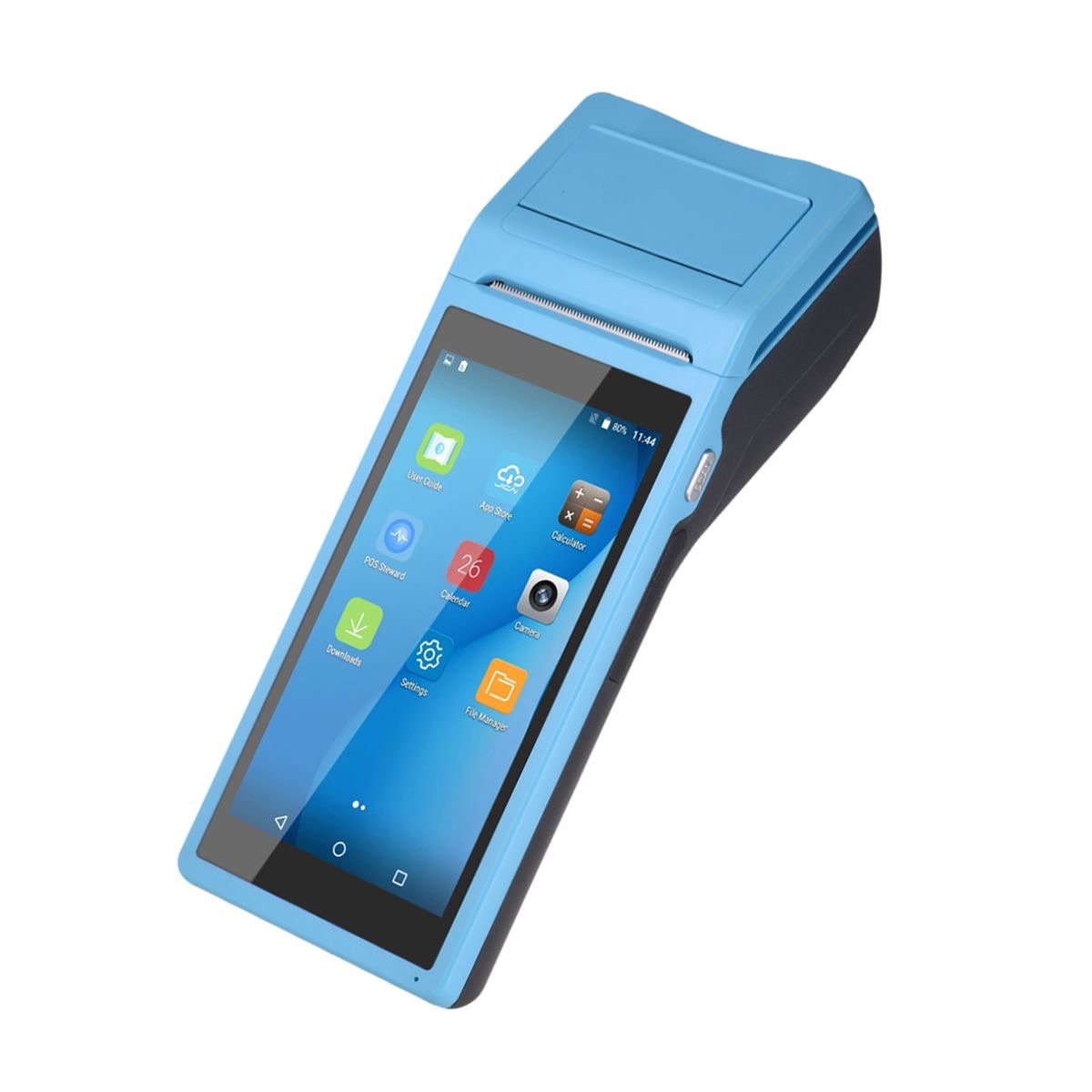
POS terminals are often battery-powered, but the surrounding business may also depend on a phone, router, charging dock, thermal receipt printer, lights, fan, laptop or small CCTV system. Some terminals can operate for hours on their internal batteries; others need more frequent charging. Runtime claims vary by device and use, so check the exact manufacturer’s specification rather than assuming all terminals are alike.
The Nigerian market has visible signs of demand for small-business energy solutions. On 25 February 2026, PriVida Power described a planned solar-for-business programme aimed at micro, small and medium-sized enterprises. Current business-solar offerings also explicitly list POS and business centres among their target users. These are market signals, not proof of search volumes or a guarantee that a particular package suits every agent.
Solar-powered kiosks have also appeared in Nigerian public discussions. A Nairaland thread about a solar-powered kiosk describes agency banking among the possible uses, while a September 2025 discussion about solar-kiosk assembly included POS banking services in the proposed applications. These discussions show that the use case is not new, but forum posts and promotional claims are not independent technical validation.
Step 1: List Every Device That Uses Electricity
Start with the equipment that supports transactions and customer service. Depending on the outlet, the list may include:
- POS terminal charging docks and any spare-terminal chargers.
- A 4G router, modem or other connectivity equipment.
- A thermal receipt printer, if it is a separate device.
- A smartphone or tablet used for banking applications and customer communication.
- A laptop or desktop computer, if the business uses one.
- LED lighting, a fan and any other essential comfort or working equipment.
- CCTV or a small communications device, if included in the outlet’s operating plan.
Do not automatically include every appliance in the shop. Decide which loads must remain available during an outage and which can wait. For a single-terminal agent, the priority may be the terminal, connectivity, receipt printing and task lighting. A larger business centre with several workstations has a different load profile.
Step 2: Check the Nameplates and Real Usage
Record the input voltage and power rating of each charger, router, printer, computer and other device. For equipment with variable activity, estimate the duty cycle or measure the actual energy used over a normal trading day.
A thermal printer may draw substantially more power while printing than it does while idle. A POS terminal charger may not draw its rated power for the entire business day because the terminal’s internal battery charges intermittently. A fan may run for only part of the day, while a router may need to stay on for every trading hour.
Where possible, use a suitable plug-in energy meter for compatible appliances or have a qualified technician measure the loads safely. Keep the equipment manufacturer’s limits in view and do not connect a device to an inverter merely because the plug fits.
Illustrative Calculation: A Single-Agent Outlet in Ado-Ekiti
The following example is hypothetical. It is not a surveyed outlet, a final system design or a completed Zookie Solar project. The assumed ratings and hours are for demonstrating the calculation only.
| Load | Illustrative input assumption | Use per day | Energy/day |
|---|---|---|---|
| POS terminal charging | 10 W while charging | 4 hours | 0.04 kWh |
| 4G router | 10 W | 10 hours | 0.10 kWh |
| Thermal printer | 8 W average across the day | 10 hours | 0.08 kWh |
| LED lighting | 12 W | 8 hours | 0.096 kWh |
| Fan | 45 W | 8 hours | 0.36 kWh |
| Phone charging | 15 W | 4 hours | 0.06 kWh |
| Laptop | 50 W average | 6 hours | 0.30 kWh |
| Small CCTV system | 8 W | 24 hours | 0.192 kWh |
| Illustrative total | 1.228 kWh/day |
The estimated total is approximately 1.23 kWh per day. It depends heavily on the assumed hours and average power. If the outlet does not use a laptop or CCTV, its energy requirement will be lower. If it adds a display, several chargers or more equipment, the total will rise.
The combined running load is not the same as daily energy. Check the maximum devices that could operate at the same time, including the printer’s active power and any computer or fan. That simultaneous load helps determine the inverter’s continuous output requirement.
Step 3: Separate Transaction-Critical Loads from Optional Loads
Build two lists before selecting equipment.
Priority loads
- POS terminal charging and the charger for a backup terminal, if used.
- The router or other connectivity device required for the outlet’s normal transaction process.
- Receipt printing where the workflow requires a printed receipt.
- Enough lighting to operate the counter during trading hours.
Optional or deferrable loads
- A laptop that is not needed for immediate transactions.
- Extra fans or entertainment devices.
- Non-essential charging, displays and other convenience equipment.
This separation allows the battery reserve to be planned around the outlet’s actual business-continuity objective. It also avoids paying to back up every appliance when the most important requirement is keeping the transaction desk operational.
Step 4: Estimate a Preliminary Solar Array
For a worked example, use the illustrative daily energy of 1.23 kWh, 4.5 equivalent peak-sun-hours and a combined planning factor of 0.75. These are assumptions for arithmetic, not a forecast for every Nigerian location or season.
Preliminary PV capacity = daily energy ÷ (peak-sun-hours × planning factor)
1.23 ÷ (4.5 × 0.75) ≈ 0.36 kWp
The calculation gives approximately 0.36 kWp before allowing for battery recovery, seasonal variation, future equipment and periods of poor solar production. An illustrative design discussion might therefore examine an array in the 0.5–0.6 kWp range, but this is not a universal recommendation. The final array must be checked against the local solar resource, inverter/controller limits, battery recharge target and the actual load profile.
If the outlet trades for long hours or needs the battery recharged quickly after a low-sun period, the array may need to be larger. If its real energy use is much lower, a smaller arrangement may be adequate. Measure first, then design.
Step 5: Define How Many Hours of Backup Are Required
Choose a clear backup target: for example, keeping the transaction desk’s priority loads running for a defined outage period. Do not assume that a battery sized for a few hours of lighting will also support a laptop, printer, fan and every charger for the same duration.
For illustration, suppose the priority equipment averages 120 W during an outage and the business wants six hours of support. The required AC energy is:
0.12 kW × 6 hours = 0.72 kWh
If the planning assumptions are 90% inverter efficiency and 80% usable battery capacity, a simplified nominal battery estimate is:
0.72 ÷ (0.90 × 0.80) = 1.0 kWh nominal
This is an arithmetic illustration, not a battery recommendation. The real design must account for reserve, battery ageing, temperature, inverter idle consumption, manufacturer discharge limits, peak power and the load that will actually remain on during the outage. A battery’s energy capacity in kWh is different from its ability to deliver power in kW.
Also check whether the POS terminal already has an internal battery and how long it typically lasts in the agent’s real trading conditions. That internal battery can reduce charging frequency, but it does not replace a plan for the router, printer, lighting or other equipment.
Step 6: Understand What Solar Cannot Fix
Power continuity and transaction continuity are related, but they are not identical.
- Solar cannot guarantee mobile-network coverage. Check signal quality at the actual counter and use only connectivity options supported by the bank or payment provider.
- Solar cannot prevent a bank, processor or payment platform outage.
- Solar cannot replace the agent’s need for adequate cash float or working capital.
- Solar cannot confirm that a transaction has succeeded. Follow the payment provider’s procedure for checking a pending or uncertain transaction before attempting it again.
- Solar cannot make an unsupported offline transaction safe or authorised. Follow the terminal provider’s rules and never bypass transaction controls.
Where connectivity is unreliable, the agent should discuss approved network options with the provider. A second SIM or alternate router may help only if it is supported, has usable coverage and is configured correctly. Extra connectivity equipment also adds to the electrical load.
Step 7: Keep the System Practical for a Small Kiosk
A compact outlet has limited working space. The installer should choose equipment with appropriate ventilation and environmental protection, place it where routine inspection is possible, and keep electrical equipment away from water, spilled drinks and direct weather exposure.
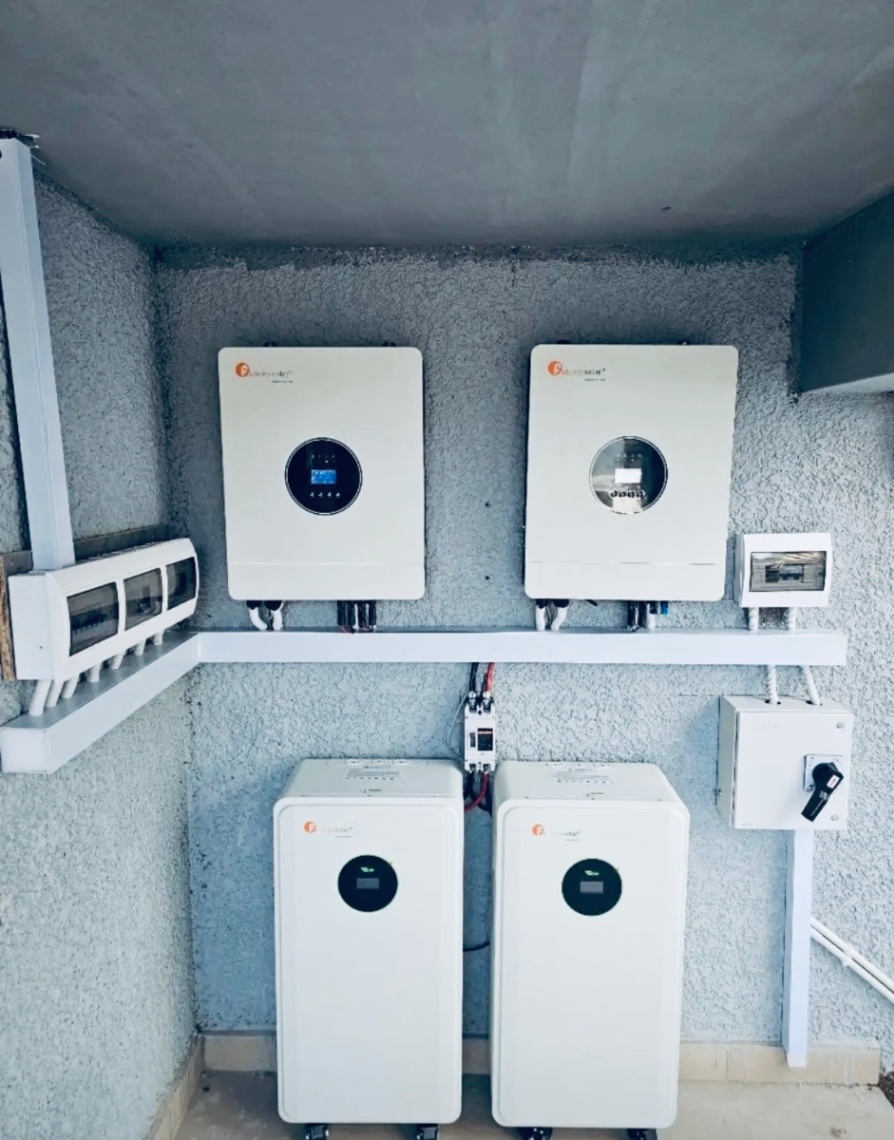
Use a qualified installer to select suitable protection, isolation and wiring arrangements for the equipment and site. Keep manufacturer manuals and warranty documents available, label the system clearly and test it under the actual combination of devices the agent intends to use.
At handover, verify that the terminal charger, router, printer and priority loads operate correctly on the intended backup supply. Check that the system can recharge the battery under realistic conditions. A system that turns on during a demonstration has not necessarily been proven for a full trading day.
Common Planning Mistakes
- Buying a solar package based only on the number of POS terminals.
- Assuming a terminal’s internal battery will power the router, printer and lights.
- Sizing the system from inverter kVA without calculating daily energy in kWh.
- Ignoring the printer’s active power or the computer and fan that may run together.
- Choosing battery capacity without deciding how many hours the priority loads must operate.
- Assuming solar guarantees network availability or successful transaction settlement.
- Accepting generic runtime claims without checking the exact equipment model and real operating conditions.
Information to Prepare Before Requesting a Solar Quote
- The POS terminal model and its charger rating, plus any spare-terminal charging requirements.
- The router/modem, printer, phone, computer, fan and lighting specifications.
- Trading hours and the time each device is actually used.
- The priority loads that must remain available during an outage.
- The desired backup duration and whether equipment must run overnight.
- Measured daily energy, where available, and the location of the outlet.
- Any planned expansion, such as an additional terminal, printer or workstation.
Ask the installer to document the assumed daily energy, simultaneous load, inverter output, battery autonomy, solar recharge assumptions and commissioning checks. A useful proposal explains what the system will support—and what it will not.
Plan Your POS Business Power with Zookie Solar
A well-planned solar system for an agency-banking outlet should protect the equipment that keeps the counter working without promising that electricity alone can solve every transaction problem. Start with the real device list, the required hours of backup and the connectivity arrangements that your payment provider supports.
Zookie Solar Ltd provides solar design, installation, maintenance and energy solutions. Contact admin@zookiesolar.com to discuss a solar assessment for your POS shop, agency-banking kiosk or digital-services outlet.
Zookie Solar Ltd — Built on Power. Driven by Excellence.